

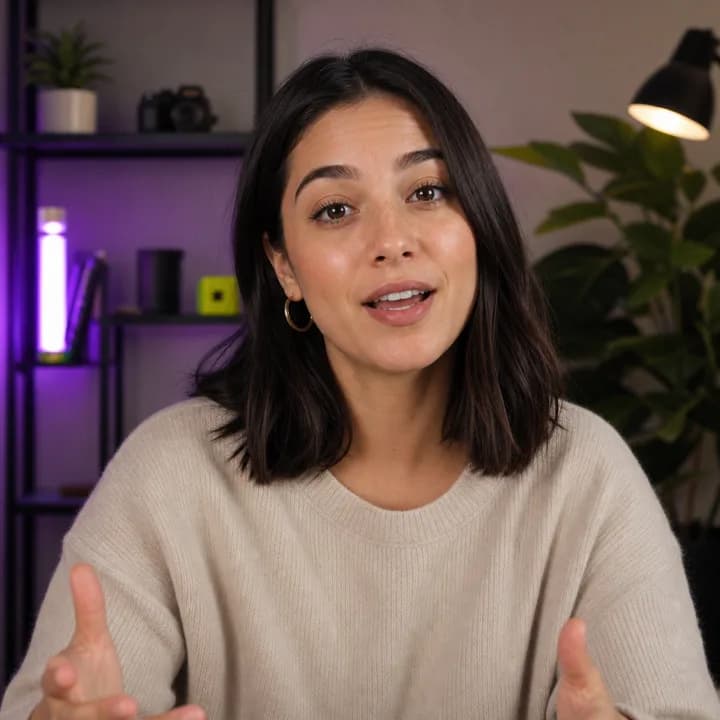
Make it pop
Word Highlight Box
Clean creator captions with active-word highlighting.
AI VIDEO EDITOR FOR CREATORS
Edit videos with AI, generate word-perfect animated captions, and create professional motion graphics—all directly in your browser.
Currently free during public beta.
Capinsta handles the full caption workflow — from upload to export — in one browser tab.
Upload a video and generate captions with accurate word-level timing. Powered by AI speech recognition.
See each word light up as it's spoken. Apply styled caption presets with bold active-word emphasis.
Watch your captioned video play back in the browser. Adjust timing, wording, and style before exporting.
Export the complete captioned video, or download just the captions as SRT or VTT for use in any editor.
Fine-tune when each caption appears and disappears. Adjust individual word timing for perfect sync.
Your uploaded video and generated captions are held only during editing. They're automatically deleted after inactivity.
Real Capinsta presets
Clean creator captions with active-word highlighting.

Bold outlined words with punchy active-word emphasis.
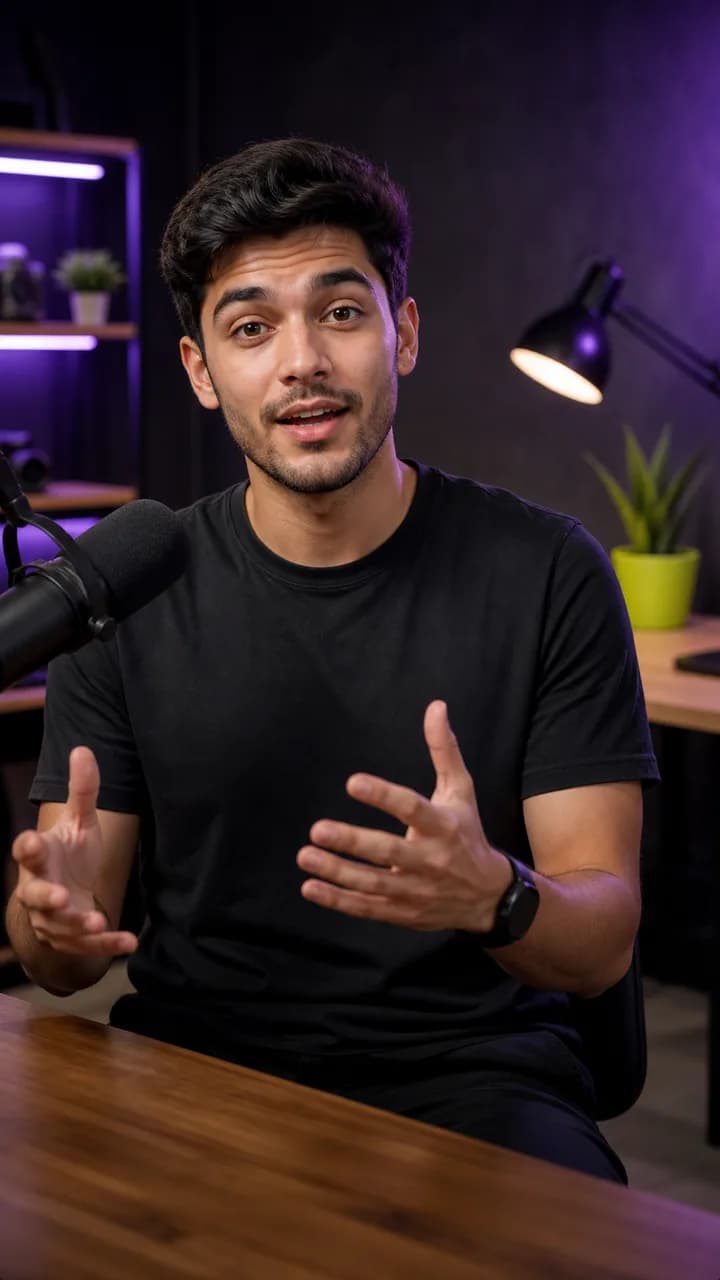
Premium center-screen word reveals with opacity, upward motion, and blur.
Smooth word reveal with lightweight motion.
1-2 word all-caps captions with heavy stroke, smart colors, and mechanical pop.
Editorial lockup captions with one anchor word and fixed reveal positions.
Four steps from raw video to polished, captioned clip.
Drag and drop a video file into the editor. MP4, WebM, and other common formats are supported.
→Click generate and let AI create accurate, word-timed captions. Supports English, Hinglish, Telgish, and mixed Indian-language workflows.
→Choose a caption preset, adjust active-word highlighting, tweak timing, and preview the result in real time.
→Download the full captioned video or export just the subtitles as SRT or VTT. Your export is ready to share.
Whether you're captioning English YouTube videos, Hinglish reels, or Telgish shorts, Capinsta handles mixed-language content that most tools cannot.
Preview
So basically main yeh hai ki captioning
Active-word highlighting on mixed-language Hinglish
Download a complete captioned video with your styled subtitles burned in. Ready to upload to YouTube, Instagram, or any platform.
Export just the subtitle file as SRT or VTT. Use it in Premiere, DaVinci Resolve, CapCut, or any editor that supports sidecar subtitles.
Choose from ready-made caption styles — bold text, boxed backgrounds, karaoke-style highlighting, and more. Apply with a single click.
Capinsta holds your uploaded video and generated captions only while you are actively editing. After a period of inactivity, everything is automatically deleted — the video, captions, transcripts, and exports. We don't keep your media longer than necessary.
Remember to download your export before leaving the editor.
Capinsta is currently free while we learn from creators during public beta. It is built and maintained by Huygen Studios.